
Dave's Card Games
| Click on the pictures for a larger screen view Click on the title to play the game in your browser |
|
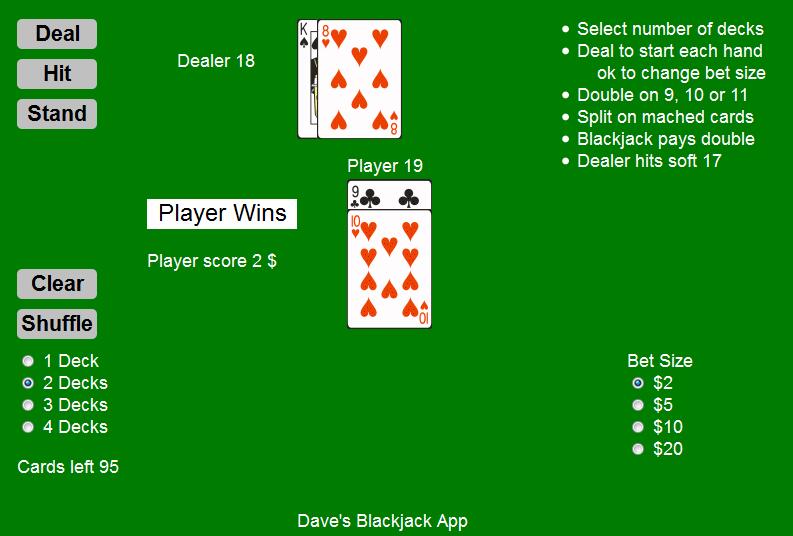 Basic Blackjack App From your tablet browser click here to download and install this app |
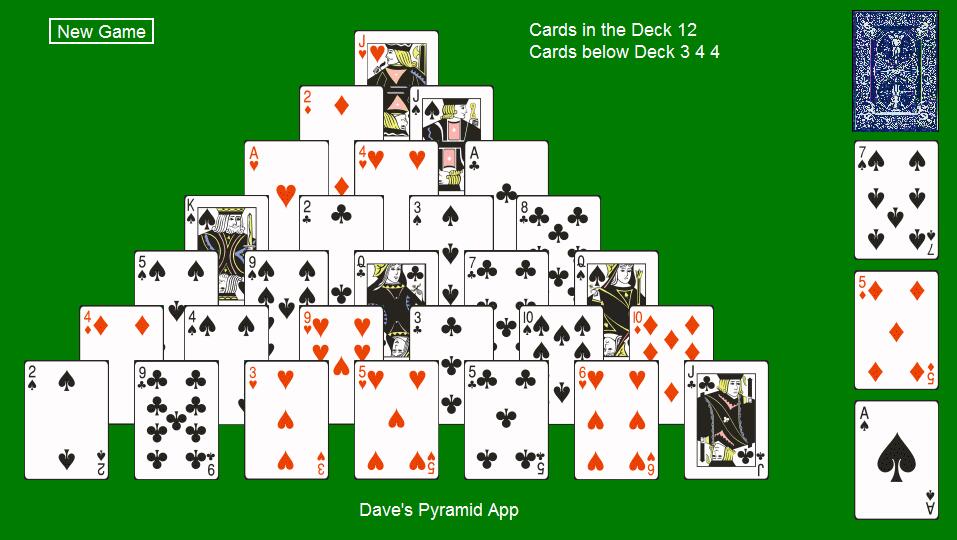 Pyramid App From your tablet browser click here to download and install this app |
These two Apps are JavaScript programs that run in any browser with JavaScript enabled. You can install the apps in your tablet with a screen resolution of at least 600x1024 pixels running Android 2.2 or higher. From your tablet browser click on the "here" link and follow the app installation instructions for your tablet. These apps work well on the Kindle Fire and similar or larger tablets.
Directions for Pyramid Solitaire
The idea is to remove all the cards from the table as follows:
Clicking on a king (rank = 13) will remove it from the table and count it as a "card played".
To remove a pair of cards whose rank totals 13, click on the first card, then the second card and both cards will be removed from the table and counted as "cards played". (Jacks have a rank of 11, Queens 12).
Clicking on the card back in the upper left corner will deal the other cards in the deck to three stacks that become part of the cards to play.
Another Pyramid Solitaire, Tri-Peaks Solitaire and Golf Solitaire click here
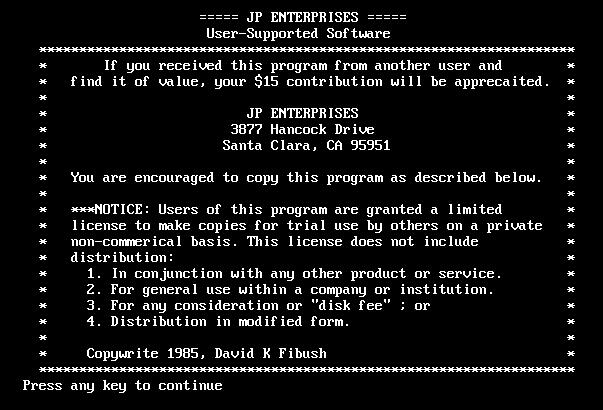
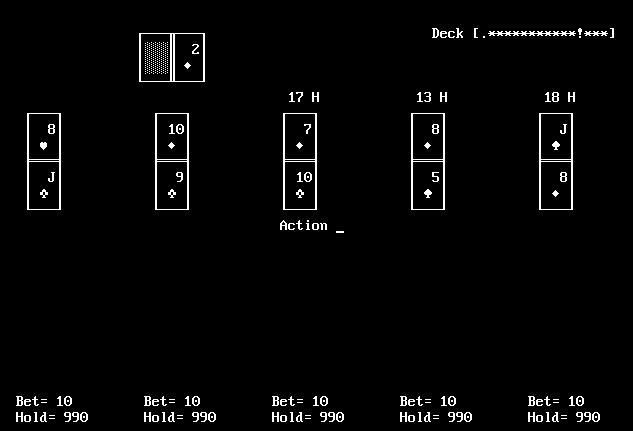
Vintage DOS Blackjack Program
Click here to play my original DOS based Blackjack Program developed in 1985. There is automatic play for up to 4 players in addition to the manual play for one of the hands. Setup screens allow changes to many of the parameters. (Click on a picture for a larger view.)